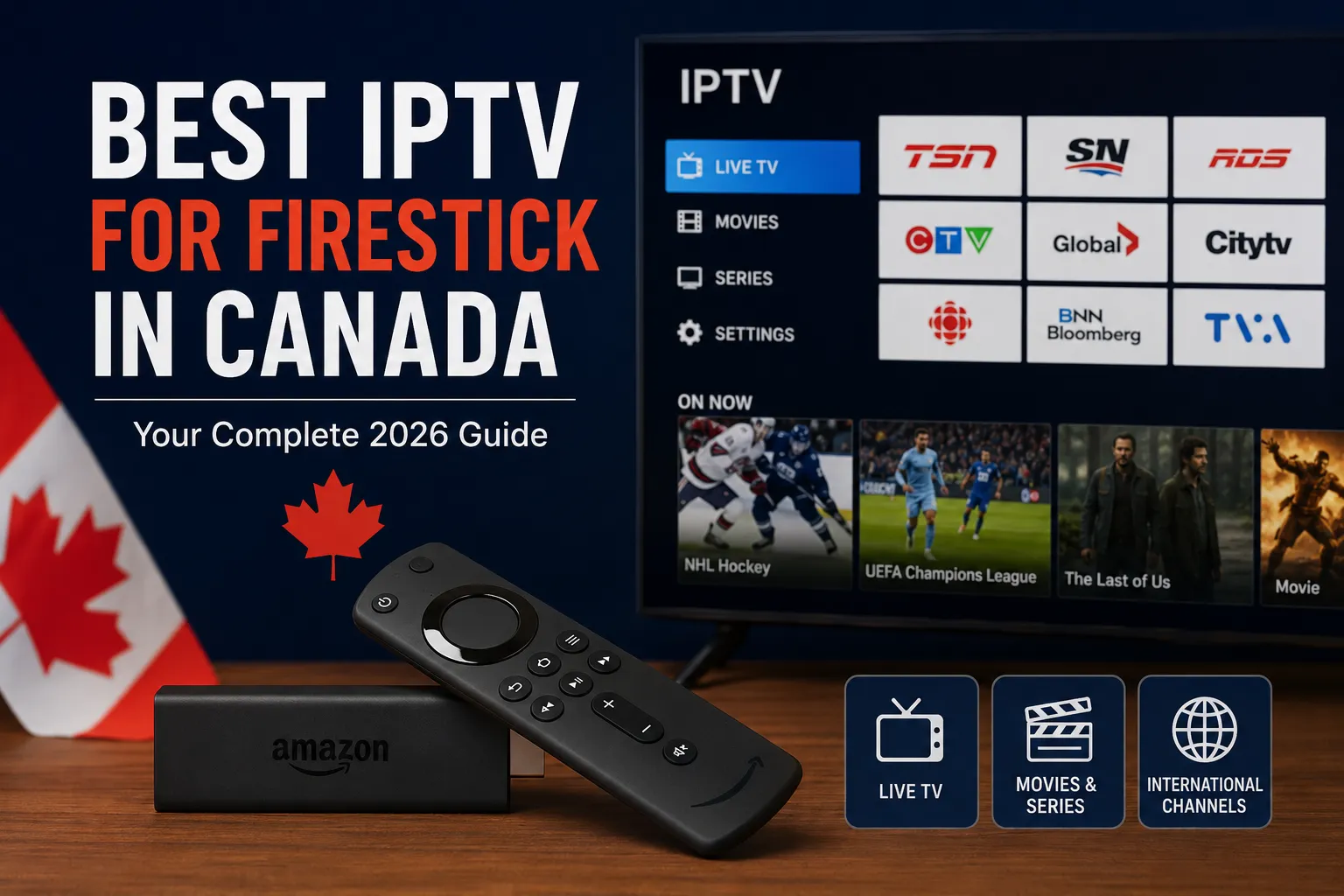

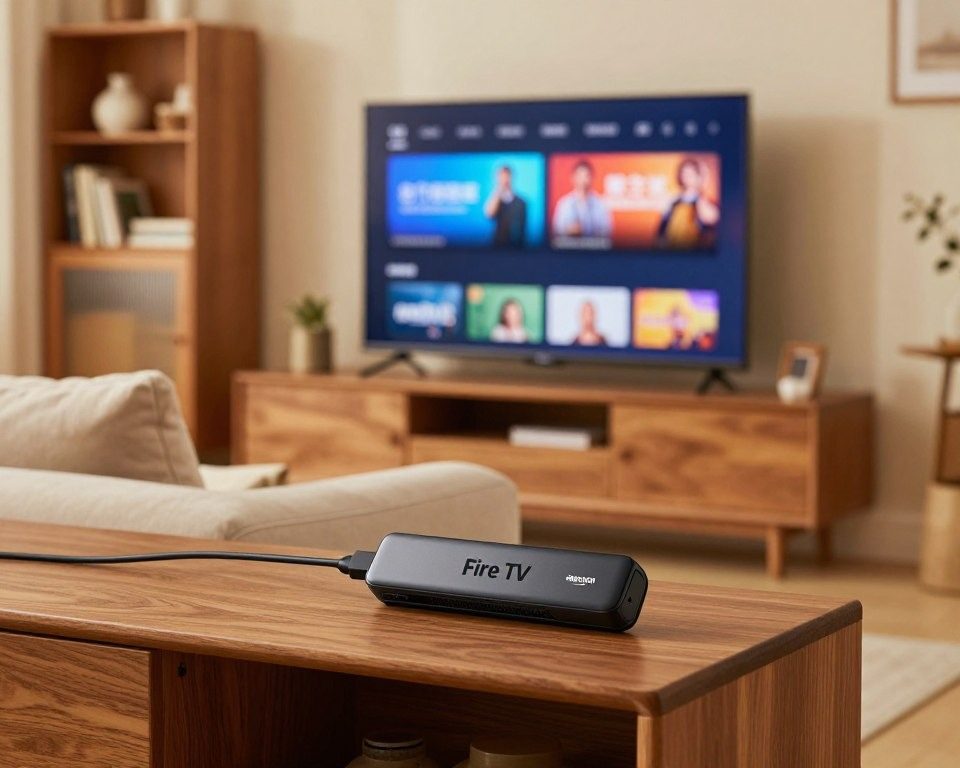
Learning how to install IPTV on Firestick in Canada is one of the easiest ways to access live TV, sports, movies, and on-demand content without relying on expensive cable packages. With an Amazon Fire TV Stick and a reliable IPTV service, Canadians can stream thousands of channels in HD and 4K directly from their television.
If you’re still comparing providers, check our guide to the best IPTV Canada services before choosing a subscription.
IPTV Firestick Canada has become increasingly popular across Canada because it offers flexibility, affordability, and access to a wide variety of entertainment. Whether you want to watch local Canadian channels, international programming, live sports, or the latest movies, Firestick provides a simple and powerful streaming solution.
Setting up IPTV on Firestick is easier than many people think. With the right IPTV player and a stable internet connection, you can start streaming within minutes. Popular apps such as IPTV Smarters, TiviMate, and XCIPTV make it simple to organize and enjoy your favorite content on Amazon Fire TV devices.
In this step-by-step guide, you’ll learn how to install IPTV on Firestick Canada, configure IPTV Smarters, optimize your streaming performance, and troubleshoot common issues for the best viewing experience possible.
Table of Contents
Understanding IPTV Streaming on Firestick in Canada
IPTV streaming on Firestick has become one of the most popular ways to watch television in Canada. Instead of relying on traditional cable or satellite services, users can stream live TV channels, sports, movies, and on-demand content directly through their Amazon Fire TV Stick using an internet connection.
What is IPTV and How Does it Transform Your Viewing Experience?
IPTV (Internet Protocol Television) is a technology that delivers television content over the internet rather than through traditional broadcasting methods. This allows viewers to access a wider selection of channels, enjoy greater flexibility, and watch their favorite content whenever they want.
For Canadian users, IPTV offers an affordable alternative to expensive cable packages while providing access to local and international channels. Whether you’re interested in live sports, news, entertainment, or movies, IPTV Firestick Canada makes streaming simple and convenient.
Many users start with a reliable IPTV subscription Canada plan to access live TV, sports, movies, and international channels.
One of the biggest advantages of IPTV is compatibility with popular devices such as the Amazon Fire TV Stick. With the right IPTV app, users can enjoy high-quality HD and 4K streaming, an easy-to-use interface, and access to thousands of channels from a single device. This combination of flexibility, performance, and affordability has made IPTV Firestick Canada setups increasingly popular among modern viewers.
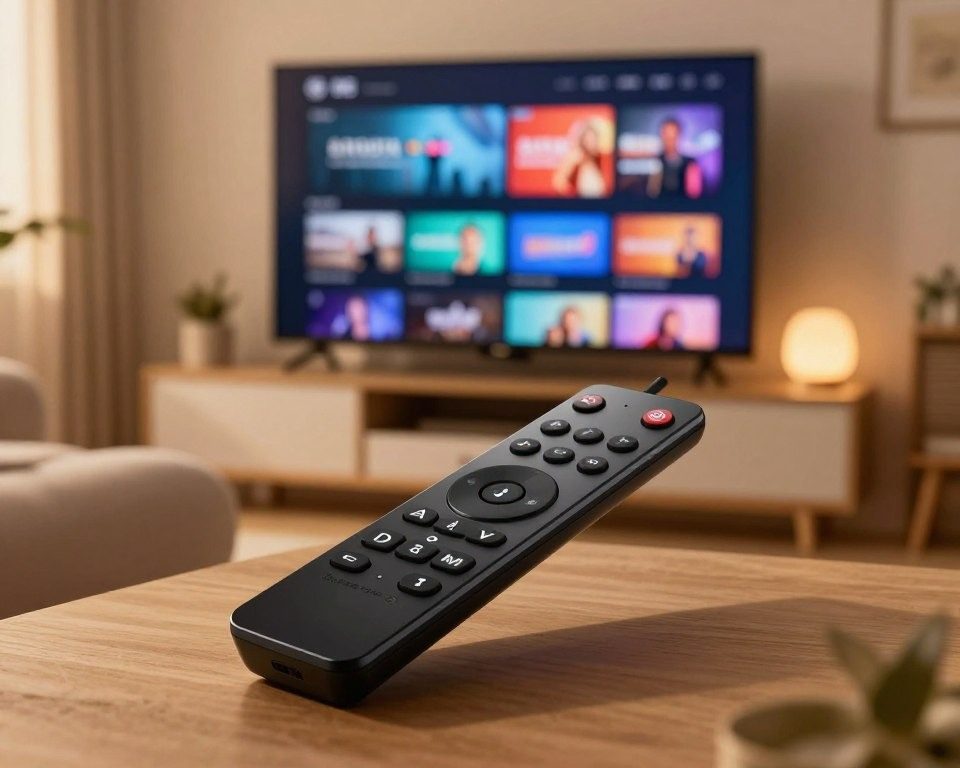
Why Amazon Fire TV Stick is Perfect for IPTV Streaming in Canada
The Amazon Fire TV Stick is one of the best devices for IPTV streaming in Canada thanks to its affordability, powerful performance, and ease of use. Whether you’re watching live TV channels, sports events, movies, or on-demand content, Firestick provides a smooth and reliable streaming experience.
One of the main reasons Canadians choose Firestick for IPTV is its compatibility with popular IPTV apps such as IPTV Smarters, TiviMate, XCIPTV, and Smart IPTV. Installation is simple, and users can access thousands of channels directly from their television without requiring expensive cable subscriptions.
The Fire TV Stick also supports HD and 4K streaming, making it an excellent choice for viewers who want high-quality picture performance. Combined with a stable internet connection, Firestick delivers fast navigation, minimal buffering, and a user-friendly interface that makes finding content easy.
Benefits of Smart TV Streaming with IPTV Apps
Using IPTV apps on Firestick offers several advantages over traditional television services. With a single device, users can access a wide range of entertainment options and enjoy greater flexibility when watching content.
Some of the key benefits include:
- Access to live TV channels from Canada and around the world
- Watch sports, movies, series, news, and on-demand content
- Support for HD and 4K streaming quality
- Easy installation and setup on Amazon Fire TV Stick
- Compatibility with multiple IPTV players and streaming apps
- Ability to stream on multiple devices using the same service
- More affordable than many traditional cable packages
- Personalized viewing experience with favorites and playlists
For viewers looking for French and bilingual content, our guide to IPTV Quebec options can help you find the best channels and features.
For many Canadian households, IPTV on Firestick has become a convenient and cost-effective way to enjoy premium entertainment without the limitations of traditional television providers.
When choosing an IPTV service for IPTV Firestick Canada, look for HD and 4K streaming quality, stable servers, extensive channel selection, and responsive customer support. A reliable provider can significantly improve your overall streaming experience.
What You Need Before Installing IPTV on Amazon Firestick
Before diving into the installation process of IPTV on your Amazon Firestick, it’s crucial to ensure you have the necessary prerequisites in place. A successful IPTV setup requires a combination of the right hardware, a stable internet connection, and proper account configurations.
Internet Speed Requirements for HD IPTV Channels
A stable and fast internet connection is vital for streaming HD IPTV channels without interruptions. For a seamless viewing experience, a minimum internet speed of 25 Mbps is recommended for HD content. However, for higher quality streams or multiple device connections, consider having an even faster connection.
To check your internet speed, you can use online speed test tools. Ensure your internet plan can support the required bandwidth for IPTV streaming.
Compatible Amazon Fire TV Stick Models
Not all Amazon Firestick models are created equal when it comes to IPTV compatibility. The Amazon Fire TV Stick 4K and Fire TV Stick 4K Max are highly recommended for their superior streaming capabilities and support for HD and 4K content.
- Amazon Fire TV Stick (3rd Generation or later)
- Amazon Fire TV Stick 4K
- Amazon Fire TV Stick 4K Max
Ensure your Firestick is updated to the latest software to avoid compatibility issues with IPTV apps.
Amazon Account Configuration Checklist
To fully utilize IPTV on your Firestick, your Amazon account should be properly configured. Here’s a quick checklist:
- Ensure your Amazon account is active and in good standing.
- Have your payment method ready for any IPTV subscription services.
- Familiarize yourself with the Firestick settings to enable installations from unknown sources.
By verifying these prerequisites, you’ll be well-prepared for a smooth IPTV installation and enjoyable streaming experience on your Amazon Firestick in Canada.
Preparing Your Firestick for IPTV App Installation
Before diving into the world of IPTV on your Firestick, it’s essential to prepare your device for a seamless installation process. This involves two critical steps that will enable you to install IPTV apps and start streaming your favorite channels.
Step 1: Enabling Apps from Unknown Sources on Firestick
To install IPTV apps on your Firestick, you first need to enable the installation of apps from unknown sources. This setting is crucial because IPTV apps are not available on the Amazon Appstore.
Navigating to Firestick Settings
To enable apps from unknown sources, start by navigating to your Firestick’s settings menu. You can do this by following these steps:
- Go to the Firestick home screen
- Click on the “Settings” icon
- Select “My Fire TV” or “Device” depending on your Firestick model
Activating Developer Options
Once in the settings menu, you need to activate the developer options. This involves:
- Selecting “Developer options”
- Turning on “Apps from Unknown Sources”
- Confirming that you understand the risks associated with installing apps from unknown sources
Enabling apps from unknown sources is a critical step that allows you to install IPTV apps on your Firestick. However, be cautious and only install apps from trusted sources to avoid security risks.
Step 2: Installing the Downloader App
The Downloader app is a crucial tool for installing IPTV apps on your Firestick. It’s available on the Amazon Appstore, making it easy to download and install.
Finding Downloader in Amazon App Store
To install the Downloader app, follow these steps:
- Go to the Amazon Appstore on your Firestick
- Search for “Downloader”
- Select the Downloader app from the search results
- Click “Download” and wait for the app to install
Setting Up Downloader for IPTV Installation
After installing the Downloader app, you can use it to download and install your IPTV app. Here’s how to set it up:
- Open the Downloader app
- Enter the URL of your IPTV app’s APK file
- Click “Download” to start the download process
- Once downloaded, follow the on-screen instructions to install the IPTV app
The Downloader app simplifies the process of installing IPTV apps on your Firestick, making it a valuable tool for accessing your favorite IPTV channels.
By following these steps, you’ll have your Firestick ready for IPTV app installation. This preparation is key to enjoying a seamless IPTV streaming experience on your device.
How to Install IPTV on Firestick in Canada (Step-by-Step Guide)
Installing IPTV Smarters on your Firestick in Canada is a straightforward process that opens up a world of entertainment options. IPTV Smarters is a highly regarded app for streaming live TV, movies, and on-demand content. This guide will walk you through the installation process using the Downloader app and alternative methods.
Method 1: Installing IPTV Smarters Using Downloader App
The Downloader app is a popular tool for sideloading apps on Firestick. Here’s how you can use it to install IPTV Smarters:
Step 1: Launching Downloader and Entering the APK URL
First, ensure that the Downloader app is installed on your Firestick. If not, refer to the previous section on how to install it. Launch the Downloader app, and enter the URL for the IPTV Smarters APK file in the browser section.
Step 2: Downloading the IPTV Smarters APK File
After entering the URL, click “Download” to start the download process. The APK file will be saved to your Firestick’s storage.
Step 3: Installing IPTV Smarters on Your Firestick
Once the download is complete, you will be prompted to install the APK. Click “Install” to begin the installation process. This step may take a few minutes to complete.
Step 4: Granting Required App Permissions
After installation, you will need to grant the necessary permissions for IPTV Smarters to function properly. This includes access to your Firestick’s storage and other relevant permissions.
As IPTV Québec HD’s IPTV service recommends, ensuring that your IPTV app has the required permissions is crucial for a seamless viewing experience.
Method 2: Installing Alternative IPTV Player for Firestick Canada
If IPTV Smarters is not your preferred choice, there are alternative IPTV players available for Firestick users in Canada.
Best Free IPTV Apps for Firestick Canada
Some of the best free IPTV apps for Firestick include:
- IPTV Smarters
- Smart IPTV
- OTTT
These apps offer a range of features and content options. It’s worth exploring each to find the one that best suits your viewing preferences.
IPTV Streaming Apps Available on Amazon Store
The Amazon Appstore offers a variety of IPTV streaming apps that are compatible with Firestick. Some popular options include:
| App Name | Description |
|---|---|
| IPTV Smarters | A user-friendly IPTV app with a wide range of features. |
| Swift Streams | Known for its stability and extensive channel lineup. |
| TiviMate | A popular choice for its ease of use and customization options. |
Configuring Your IPTV App After Installation
After installing your chosen IPTV app, you’ll need to configure it to start streaming. This typically involves entering your IPTV subscription details, such as the server URL, username, and password.
“Configuring your IPTV app correctly is key to enjoying uninterrupted streaming. Ensure you have your subscription details handy to complete the setup process.”
By following these steps and choosing a reliable IPTV service like IPTV Québec HD’s IPTV service, you can enjoy a superior streaming experience on your Firestick in Canada.
Best IPTV Quebec Firestick Services and IPTV Canada HD Subscriptions
The best IPTV app for Firestick Canada in Quebec and Canada offer a seamless viewing experience with a wide range of channels and content. With numerous options available, selecting the right IPTV service can be daunting. However, certain providers stand out for their quality, reliability, and compatibility with Firestick devices.
Top IPTV Services for Streaming TV Canada
Several IPTV services have gained popularity in Canada for their extensive channel lineups and high-definition streaming. Among these, IPTV Québec HD emerges as a premium IPTV subscription provider in Canada.
You can also explore community discussions and user feedback in our IPTV Canada Reddit guide to compare experiences from real users.
IPTV Québec HD: Premium IPTV Subscription Canada Provider
IPTV Québec HD is recognized for its comprehensive IPTV service, offering a vast array of live TV channels, movies, and series. With a strong focus on customer satisfaction, IPTV Québec HD ensures a stable and high-quality streaming experience on Firestick devices.
Features of Quality IPTV Abonnement Quebec
A quality IPTV abonnement in Quebec should include:
- Access to a diverse range of French and English channels
- High-definition streaming for an immersive viewing experience
- Reliable customer support for prompt issue resolution
- Compatibility with Firestick for easy access
What Makes Great IPTV Canada HD Services
Great IPTV Canada HD services are characterized by their ability to deliver high-quality content across various categories.
Access to Live TV Channels Canada
One of the key features of a great IPTV service is access to live TV channels, including local and international networks. This ensures that viewers can stay updated with news, sports, and entertainment.
Sports IPTV Canada and Movies and Series IPTV
In addition to live TV, top IPTV services in Canada offer dedicated sports, movies, and series content. This includes exclusive coverage of Canadian sports events and a vast library of on-demand movies and series.
How to Get Your IPTV Subscription
Subscribing to an IPTV service is a straightforward process that involves selecting a provider, contacting them for subscription details, and activating the service on your Firestick.
Before ordering, you can review all available plans on our pricing page and choose the package that best fits your streaming needs.
Contacting IPTV Québec HD for IPTV Services : support@iptv-qchd.com
To subscribe to IPTV Québec HD’s IPTV service, you can contact them directly via live chat at 17422439074. Their customer support team will guide you through the subscription process and provide you with the necessary credentials.
Activating Your IPTV Quebec Firestick Subscription
Once you have your subscription details, you can activate your IPTV service on your Firestick by following the provider’s instructions. This typically involves entering your login credentials within the IPTV app.
Entering Your IPTV Credentials on Firestick
To complete the activation, open your IPTV app on Firestick, navigate to the login section, and enter your username and password. You should then have access to your IPTV content.
Troubleshooting IPTV Installation and Streaming Issues on Firestick
Resolve IPTV installation and streaming problems on your Firestick with these simple steps. IPTV streaming on Firestick can sometimes be marred by installation and streaming issues, but troubleshooting these problems is relatively straightforward.
Fixing IPTV App Installation Errors
When installing IPTV apps on Firestick, users may encounter several errors. Here are some common issues and their solutions:
Resolving Unknown Sources Error
To fix the “Unknown Sources” error, ensure that your Firestick is configured to allow apps from unknown sources. Here’s how:
- Go to your Firestick’s settings.
- Select “My Fire TV” or “Device.”
- Choose “Developer options.”
- Turn on “Apps from Unknown Sources.”
Dealing with APK Download Failures
APK download failures can occur due to internet connectivity issues or corrupted files. Try the following:
- Check your internet connection.
- Clear the cache of the Downloader app.
- Try downloading the APK file again from a reliable source.
Solving IPTV Streaming and Buffering Problems
Streaming and buffering issues can significantly affect your IPTV viewing experience. Here are some solutions:
Optimizing Internet Connection for HD Streaming
For smooth HD streaming, a stable and fast internet connection is crucial. Ensure your internet speed meets the requirements for HD streaming.
| Internet Speed (Mbps) | Streaming Quality |
|---|---|
| 5-10 | SD |
| 15-25 | HD |
| 25+ | Full HD/4K |
Clearing Cache to Improve IPTV Performance
Clearing the cache can resolve streaming issues by removing temporary data that may be causing problems. To clear the cache:
- Go to “Settings” on your Firestick.
- Select “Applications.”
- Choose “Manage Installed Applications.”
- Select the IPTV app and clear its cache.
Addressing Login and Subscription Activation Issues
Login and subscription activation issues can prevent access to IPTV content. Ensure your login credentials are correct and that your subscription is active.
To verify your subscription status:
- Check your email for confirmation from your IPTV service provider.
- Log in to your IPTV service provider’s website to check your account status.
By following these troubleshooting steps, you should be able to resolve common IPTV installation and streaming issues on your Firestick.
Conclusion
Installing IPTV on your Firestick in Canada is a straightforward process that opens up a world of entertainment options. By following the steps outlined in this guide, you can enjoy seamless streaming of your favorite Canadian channels and international content.
With a reliable iptv player for firestick canada and a stable internet connection, you can set up your iptv canada firestick setup and start streaming in no time. IPTV Québec HD’s IPTV services offer a vast range of channels and on-demand content, making it an excellent choice for those looking to enhance their viewing experience.
If you have any questions about IPTV setup, device compatibility, or subscription plans, feel free to contact our team for assistance.
By choosing a reputable IPTV service provider like IPTV Québec HD, you can enjoy high-quality streaming, minimal buffering, and a user-friendly interface. So why wait? Explore IPTV Québec HD’s IPTV services today and discover a new world of entertainment at your fingertips.
Frequently Asked Questions
How do I install IPTV on Firestick in Canada?
To install IPTV on Firestick in Canada, enable Apps from Unknown Sources, install the Downloader app, download an IPTV player such as IPTV Smarters, and enter your IPTV subscription details to start streaming.
What is the best IPTV app for Firestick Canada?
Some of the most popular IPTV apps for Firestick include IPTV Smarters Pro, TiviMate, Smart IPTV, and XCIPTV. The best choice depends on your preferred interface and features.
Can I watch live TV on Firestick with IPTV?
Yes. IPTV services allow you to stream live TV channels, sports, news, movies, and on-demand content directly on your Amazon Fire TV Stick.
What internet speed do I need for IPTV on Firestick?
For smooth HD streaming, a minimum internet speed of 25 Mbps is recommended. For 4K content, 50 Mbps or higher is ideal.
Why is IPTV buffering on my Firestick?
Buffering can occur due to slow internet speeds, network congestion, outdated apps, or overloaded IPTV servers. Using a stable high-speed connection can improve performance.
Can I use IPTV Smarters on Firestick?
Yes. IPTV Smarters is one of the most popular IPTV players for Firestick and can be installed using the Downloader app.
Which Firestick models support IPTV?
Most modern Fire TV Stick devices support IPTV, including Fire TV Stick Lite, Fire TV Stick 4K, Fire TV Stick 4K Max, and newer Fire TV models.
Can I install IPTV on Amazon Fire TV Stick without a computer?
Yes. IPTV apps can be installed directly on Firestick using the Downloader app without requiring a PC or laptop.